Routes that give you a choice
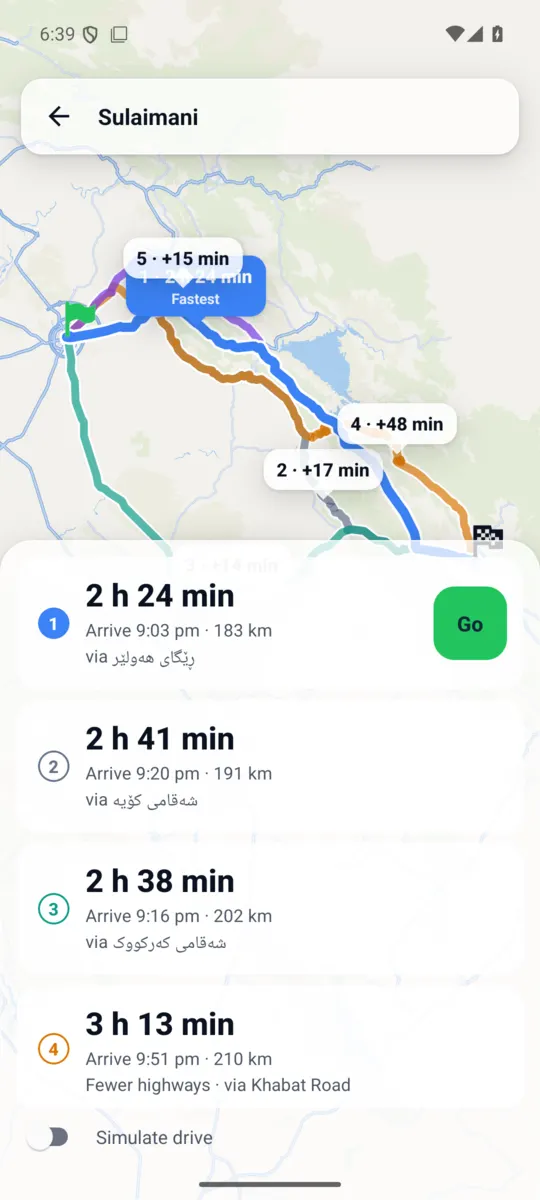
Compare alternatives, including routes via a town along the way.

 Get the app
BUILT FOR IRAQ
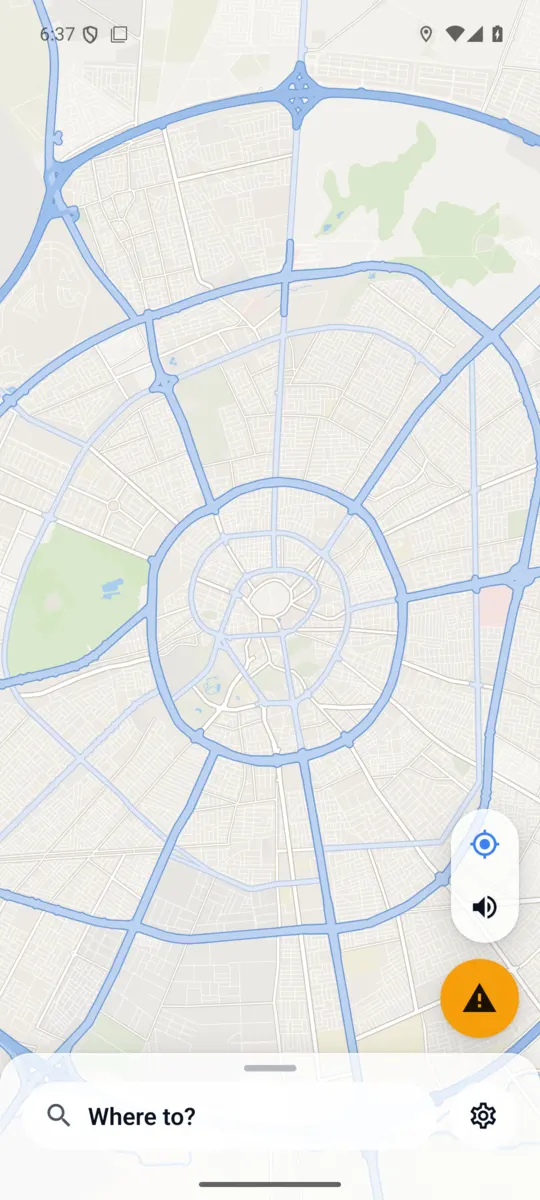
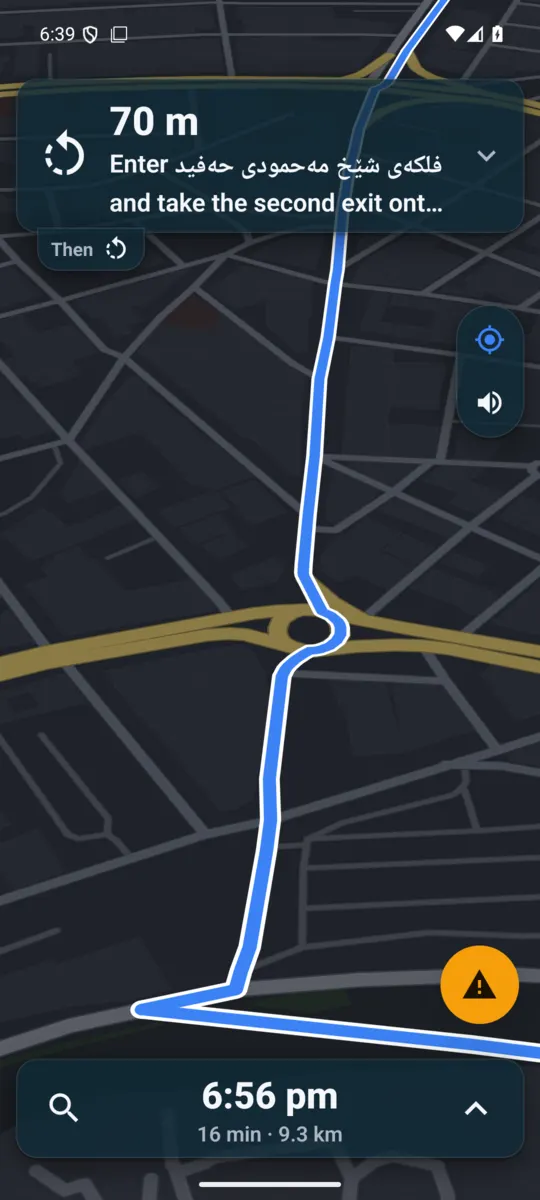
From your everyday streets to the road across Iraq, Imshi gets you there with clear turn-by-turn guidance, a choice of routes and a heads-up from drivers ahead.
Uninstall older builds before installing this test build.
Free to navigate. No ads. No account needed.
LESS FRICTION. MORE GOING.
Compare alternatives, including routes via a town along the way.
Posted speed limits and warnings help you keep your pace in check.
Traffic, accidents, hazards and closed roads, with voice warnings ahead.
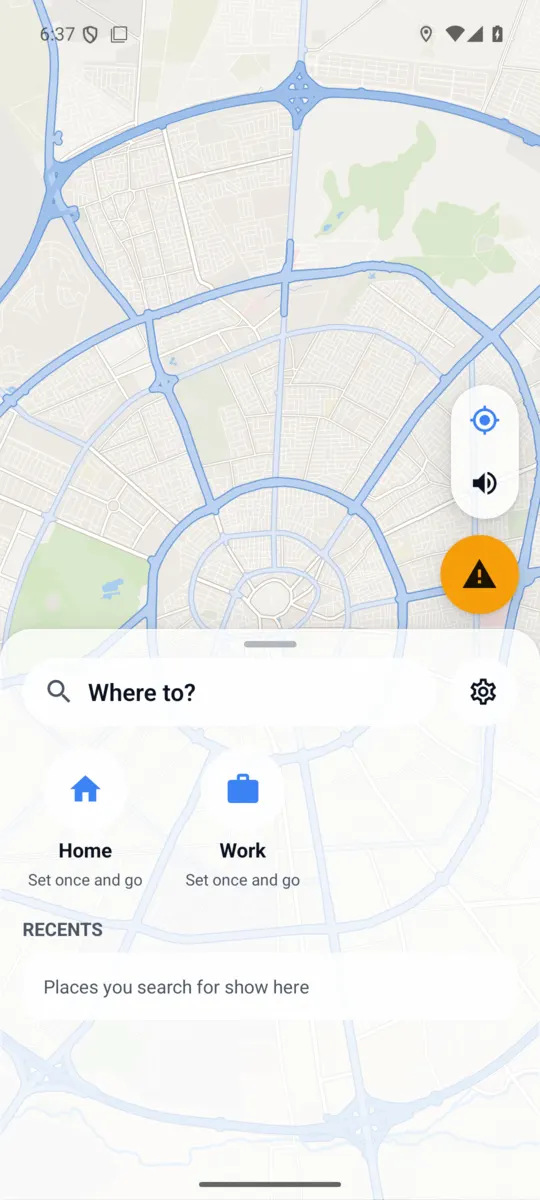
Search for fuel, mosques, restaurants and pharmacies. Add a stop and keep going.
Share a live link with your position and arrival time. They just open it.
Android Auto brings guidance to your car. A night map keeps late drives comfortable.
LOCAL ROADS. LOCAL VOICES.
Across cities, between towns and out on the open road — a map that feels like home.
Arabic, Kurdish (Sorani) and English, on screen and in voice guidance.
OpenStreetMap maps cover the whole country, with a daily rebuild to bring in map updates.
Road speeds are set for Iraqi roads and will learn from real journeys as more people drive with Imshi.
TAKE A LOOK AROUND
BETTER TOGETHER
See traffic, an accident, a hazard or a closed road? Sign in with your phone number and send a report. Drivers approaching it get a voice warning, so they can prepare for what is ahead.
Other drivers can confirm or dismiss reports to help keep the map useful. Always report when it is safe to do so.
A FEW THINGS TO KNOW
Yes. Navigation is free, with no ads.
No account is needed to search or navigate. Sign in with your phone number only to send reports, add places or share a trip.
Android comes first and is in Google Play internal testing now. iOS is planned for later; there is no release date yet.
Your location guides you and supports road speed estimates. Routing, search and sharing use location when you use those features. Read our privacy policy for the details.
In the app, open Settings → Account → Delete account. You can also request deletion by email. See account deletion instructions.